

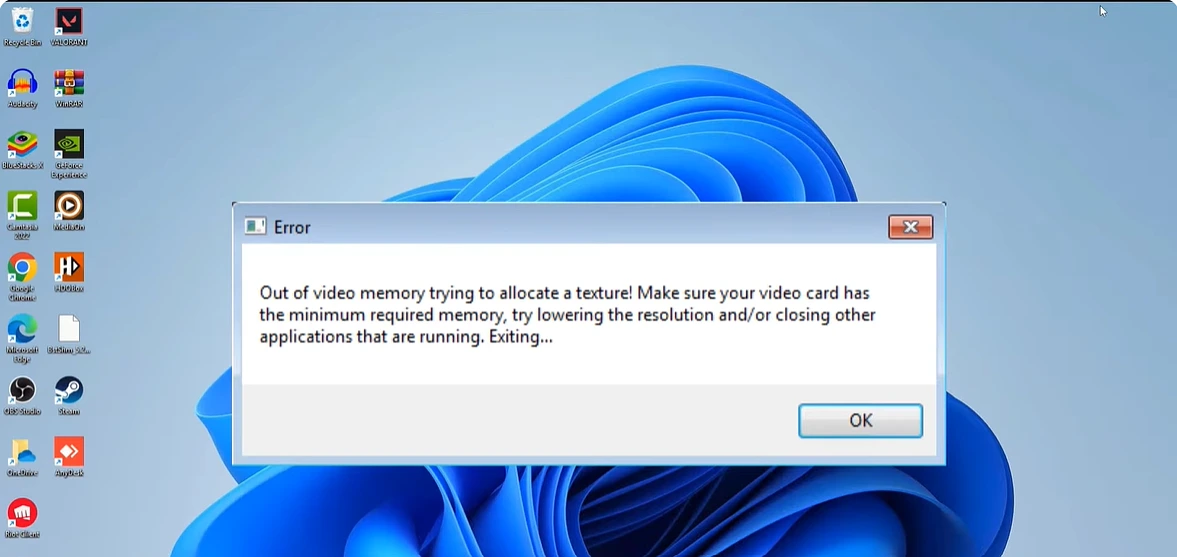

The crash usually lands during shader compilation, right when you are itching to play. A grey box appears: “Out of video memory trying to allocate a rendering resource,” followed by hypackel advice about lowering your resolution and closing background apps. Then the game exits, and you sit there doing the math on a GPU upgrade you probably cannot afford this year.
Hold that thought, because the message is frequently wrong about its own cause. People with 24GB RTX 4090s see this error. People who just closed every background app see it. The text blames your video card because that is where the allocation failed, but where something fails and why it fails are different questions, and the gap between those two things is the entire reason this error is so miserable to troubleshoot.
Almost every game that throws it runs on Unreal Engine. Fortnite, Hogwarts Legacy, Stalker 2, Marvel Rivals, Star Wars Jedi: Survivor, Dead Island 2, Valorant. If your crash log mentions any UE title, everything below applies.
Rule Out The Obvious In Twenty Minutes
Some of the time, the message is telling the truth and your card genuinely ran dry. Modern AAA titles at ultra textures can swallow 10 to 14GB of VRAM, and an 8GB card in 2026 is living on the edge at anything above 1080p. So before the exotic fixes, spend twenty minutes on the ordinary ones.
Drop texture quality one notch. Not everything, just textures, because that single slider controls most of your VRAM bill and usually costs the least visually. Close Chrome and Discord fully, since both reserve video memory through hardware acceleration, and a browser with thirty tabs can quietly hold a gigabyte hostage. Verify your game files through Steam or the Epic launcher. And update your graphics driver, but properly: if a normal update changes nothing, uninstall the driver with DDU (Display Driver Uninstaller) in safe mode and install fresh. A Steam forum thread on this exact error is full of people for whom four fixes failed and a clean driver reinstall was the fifth thing that finally worked.
If you want to know rather than guess, run MSI Afterburner with the VRAM overlay and watch the number as you play. Crashing at 7.9GB used on an 8GB card is a settings problem. Crashing at 5GB used on a 12GB card is not, and you can stop blaming your GPU now.
The Page File Fix, Which Solves More Cases Than It Has Any Right To
This one sounds unrelated and fixes an absurd number of cases. Unreal Engine leans on Windows virtual memory during loading and shader work, and if your page file is small or set to a size Windows manages badly, allocations fail and the engine reports it as a video memory problem. It is not lying exactly. It is confused.
Set the page file manually:
- Search “advanced system settings” in Windows, open Performance Settings, then the Advanced tab, then Virtual Memory.
- Untick automatic management, select your Windows drive, and choose Custom size.
- Set the initial size to about 1.5 times your RAM in MB, and the maximum to around 3 times. With 16GB of RAM, that means roughly 24576 initial and 49152 maximum.
- Restart. Not later, now, or the change does nothing.
One caution from someone who read too many forum threads on this: put the page file on an SSD with real free space. A drive at 95 percent capacity will bottleneck everything and can shorten the drive’s life once Windows starts hammering it.
Intel 13th And 14th Gen Owners, This Section Is Probably About You
Here is the part that turns the error message into an outright liar. Through 2024, waves of players with monster rigs, think i9-13900K or 14900K paired with an RTX 4090, kept crashing with this exact message during shader compilation. Lowering settings did nothing. New drivers did nothing. The hardware was top shelf.
The cause was the CPU. Those Intel generations shipped with an instability problem where the chip requested more voltage than it could safely handle, and the damage showed up first in exactly the kind of heavy, error-checked work shader decompression involves. RAD Game Tools, whose Oodle compression runs inside many of these games, published a notice explaining that these crashes traced back to faulty CPU cores rather than graphics memory. Tom’s Hardware covered the wider mess as it unfolded. The error text pointed at the GPU the whole time.
What Actually Helps, In Order Of Sanity:
- Update your BIOS first. Motherboard vendors shipped Intel’s fixed microcode (the 0x129 update and its successors) through 2024 and 2025. This is the real repair, and if your board firmware is from before that era, nothing else here is more important.
- Load the Intel Default Settings profile in BIOS rather than the motherboard’s factory “performance” profile, which often overfeeds the chip.
- If crashes persist, install Intel Extreme Tuning Utility (XTU) and lower the performance core ratio by one or two steps, say from 55x to 53x. You will not feel the difference in games. You will feel the absence of crashes.
One more thing worth saying plainly: sustained damage from the voltage bug is permanent. If your chip crashed for months before the microcode fix and still misbehaves after it, contact Intel about a replacement, because they extended warranties over this. A degraded core does not heal.
An Engine-Level Trick For Stubborn UE Titles
When one specific Unreal game keeps crashing while everything else runs fine, you can cap how much VRAM its texture streaming grabs. Find the game’s Engine.ini file (usually under AppData\Local[GameName]\Saved\Config), open it in Notepad, and add:
[SystemSettings] r.Streaming.PoolSize=3096
That caps the texture pool near 3GB; players on 6GB and 8GB cards have fixed persistent crashes this way, including cases documented in Steam community threads where nothing else worked. The cost is that distant textures may load in a beat slower. The benefit is playing the game. Adjust the number to your card, and delete the lines if a patch later makes things weird.
When It Really Is Hardware, And It Is Not Always The GPU
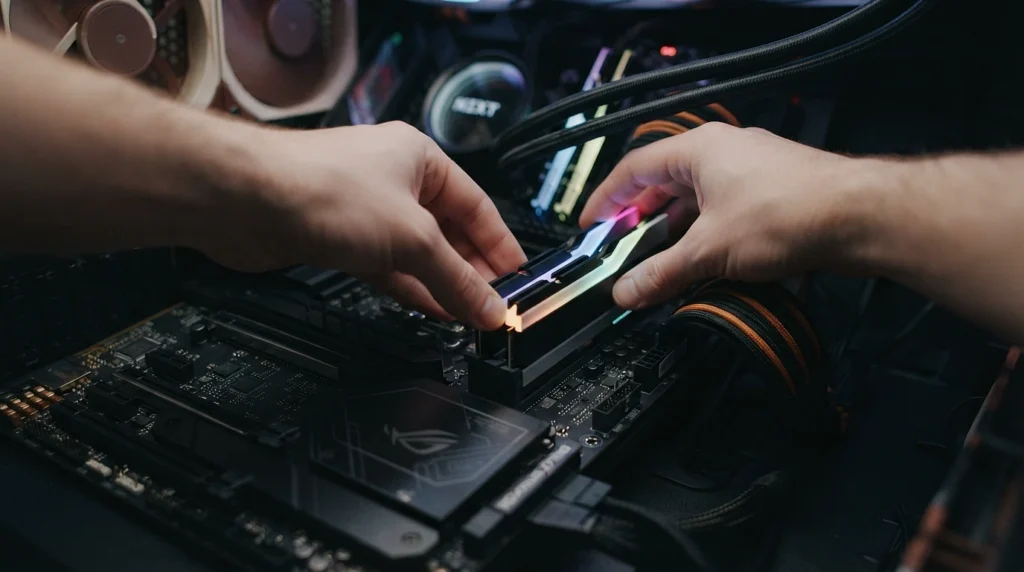
The strangest documented fix I came across: a player with a 14900K and a 4090 tried everything in this article, then swapped the physical positions of his two RAM sticks, and the crashes stopped. Unstable or badly seated system memory corrupts data on its way to the GPU, and the engine reports the failure at the point of allocation, which is to say it blames video memory again. If your crashes come with occasional blue screens, especially “page fault in nonpaged area,” test your sticks with MemTest86 overnight and reseat them while you are in there.
Also strip away every overclock while diagnosing. GPU core, memory OC, aggressive XMP profiles, all of it back to stock. Overclocks that survive benchmarks still fall over during shader compilation, which stresses systems differently than a stress test does. If stock settings cure it, reintroduce your tuning one piece at a time.
The Order That Wastes The Least Of Your Evening
Texture slider down and background apps closed, five minutes. Page file, five more. Clean driver install with DDU, fifteen. BIOS and microcode check if you own a 13th or 14th gen Intel chip, and treat that one as non-optional. Engine.ini pool cap for a single stubborn game. Hardware tests last, because they are slow and usually not the answer.
The upgrade question comes only after all that. If Afterburner shows your card genuinely pinned at its VRAM ceiling in every modern release, then yes, the message was honest with you and 8GB has simply stopped being enough for ultra settings. But most people who see this error do not need new hardware. They need to stop trusting a crash message that has been misdiagnosing its own disease for years.